Everything your school runs on.
Pickup security, fees, academics and comms in one system, built for Nigerian K-12 schools.
Follow one school day, from the gate to the last message home.
Every screen below belongs to the same school and the same child. Nothing is copied between apps, and nobody has to pick a tab to find their part of it.
The gate opens.
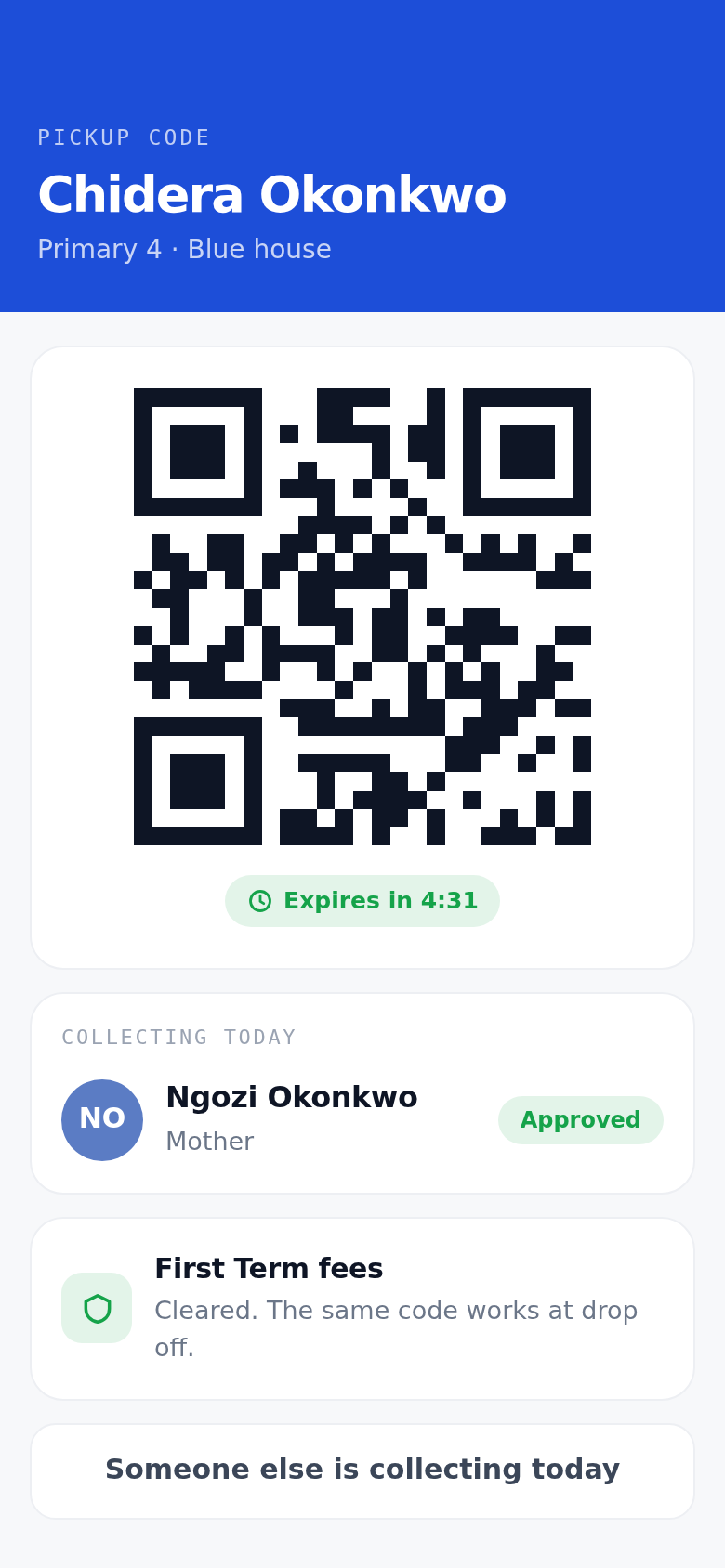
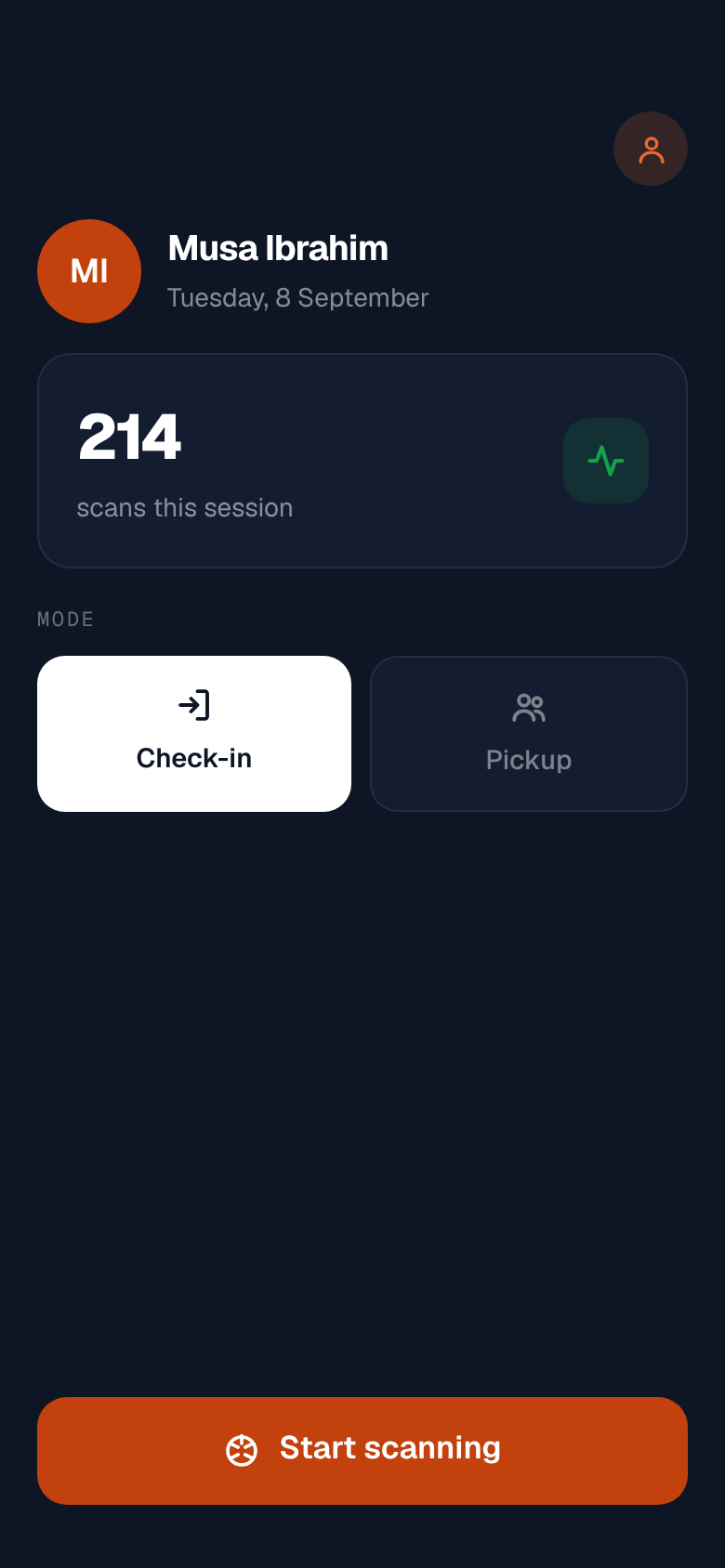
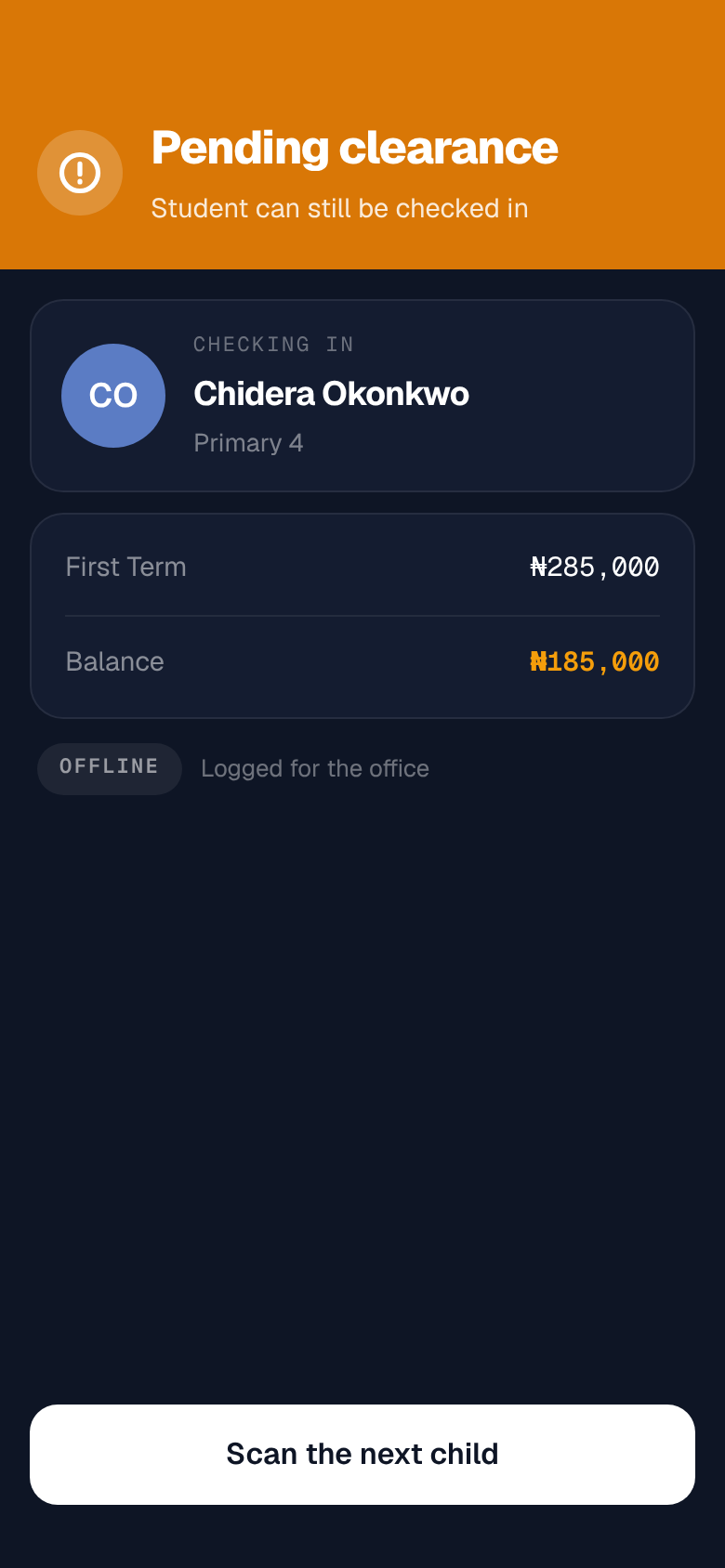
A parent holds up the code on her phone. Your guard scans it in check-in mode and sees the child, plus whether the term's fees are settled.
A family who is short gets flagged and logged for the office. The child still goes in. The day's list is already on the guard's phone, so none of this waits on a network.
The register.
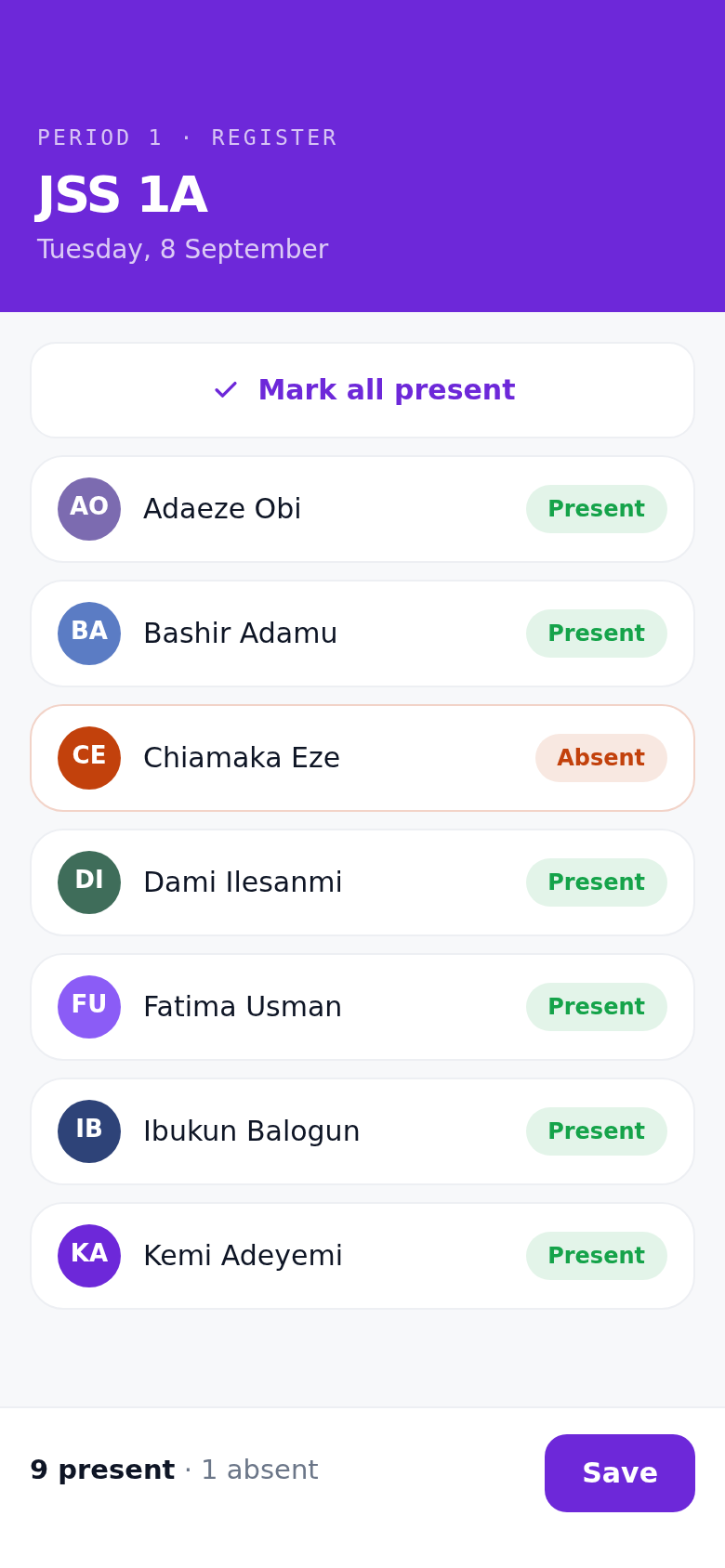
The teacher opens her class, taps Mark all present, and changes the few children who are not there.
Every roll call is kept against the class and the date, so the office can answer a parent asking about last Tuesday without going through a paper book.
The office.
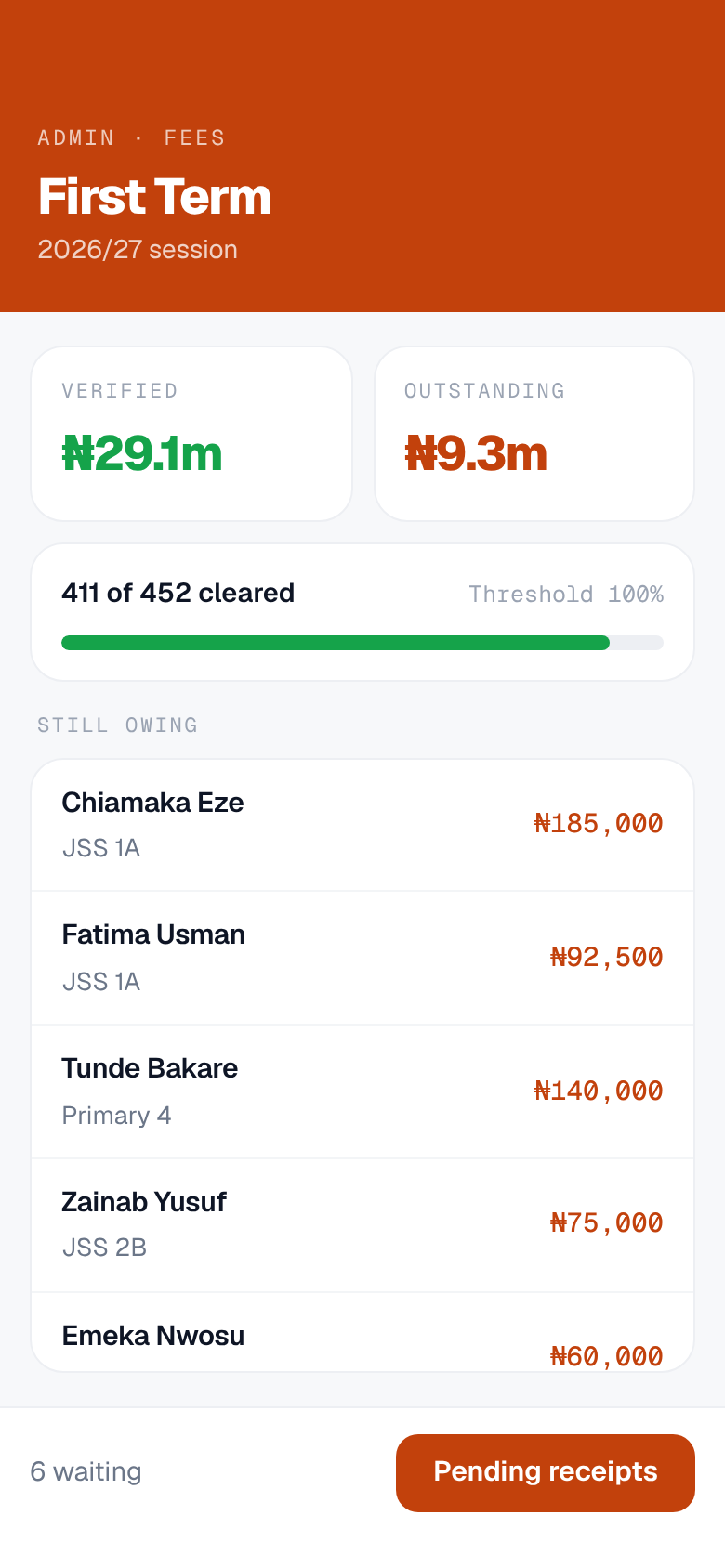
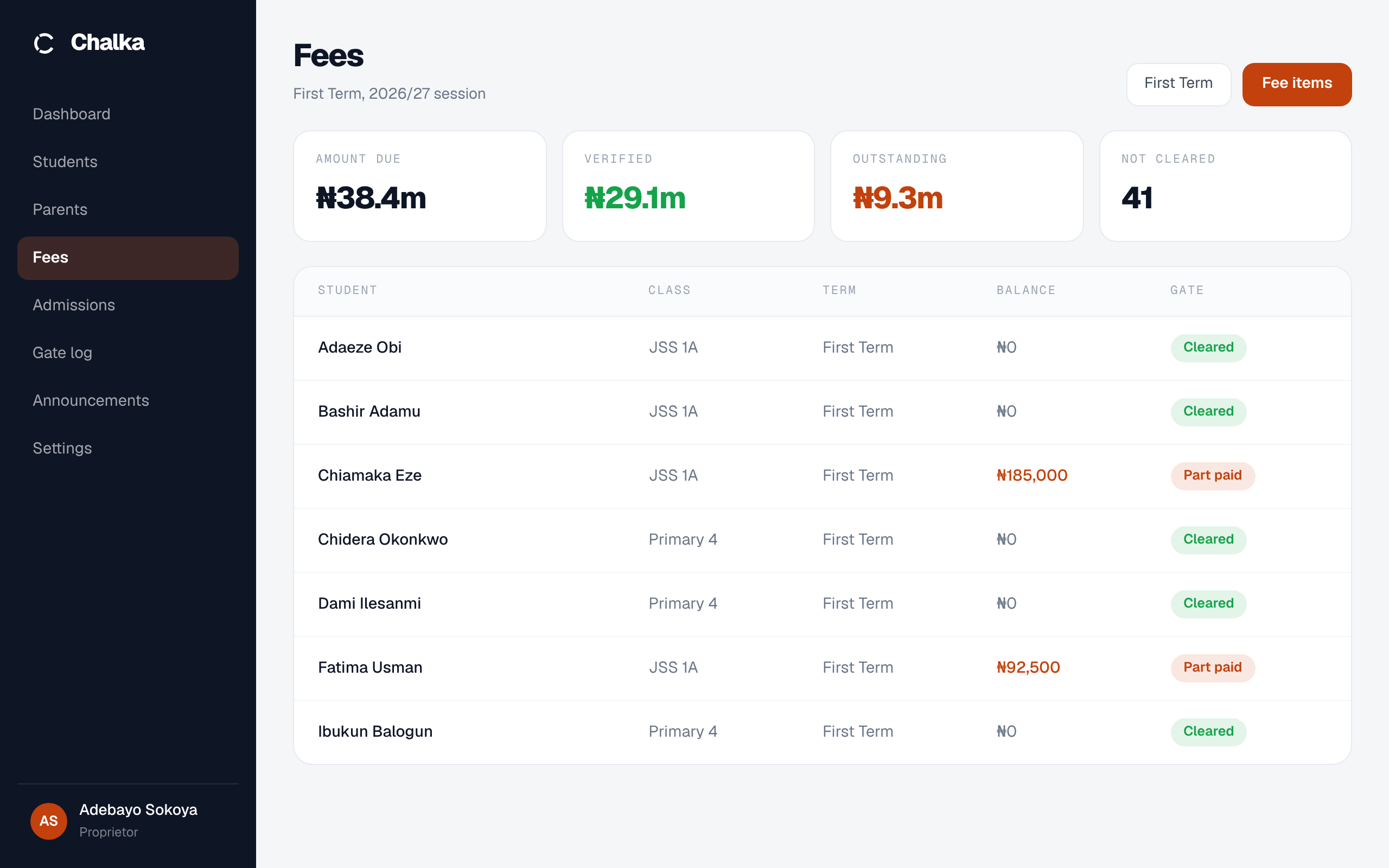
Requisitions come in from parents, card payments land on their own, and bank receipts wait in a queue for your bursar to check. She can see who is short before break. Admissions runs in the same place, from an application through to an enrolled student. If you have asked the gate to check fees, this is the table it reads.
A question from a parent.
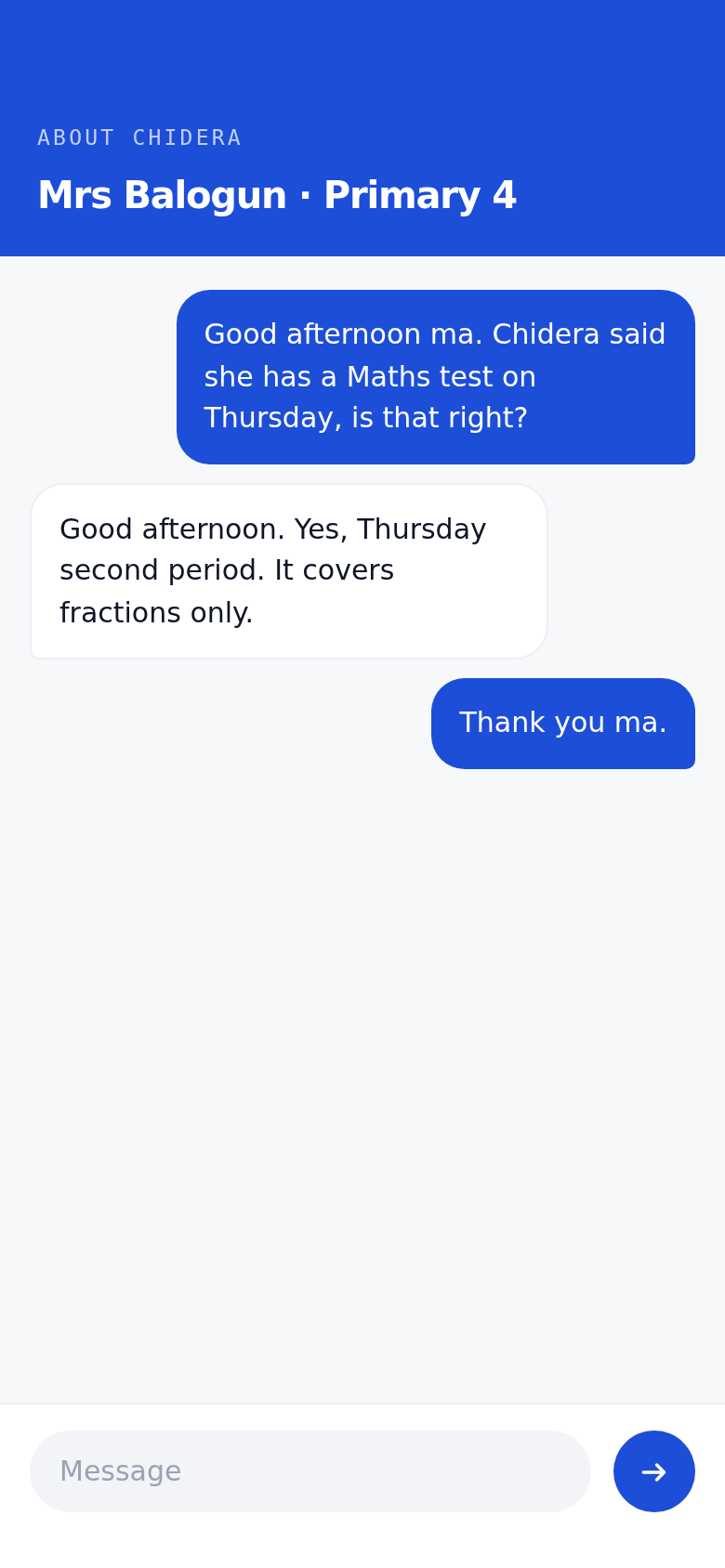
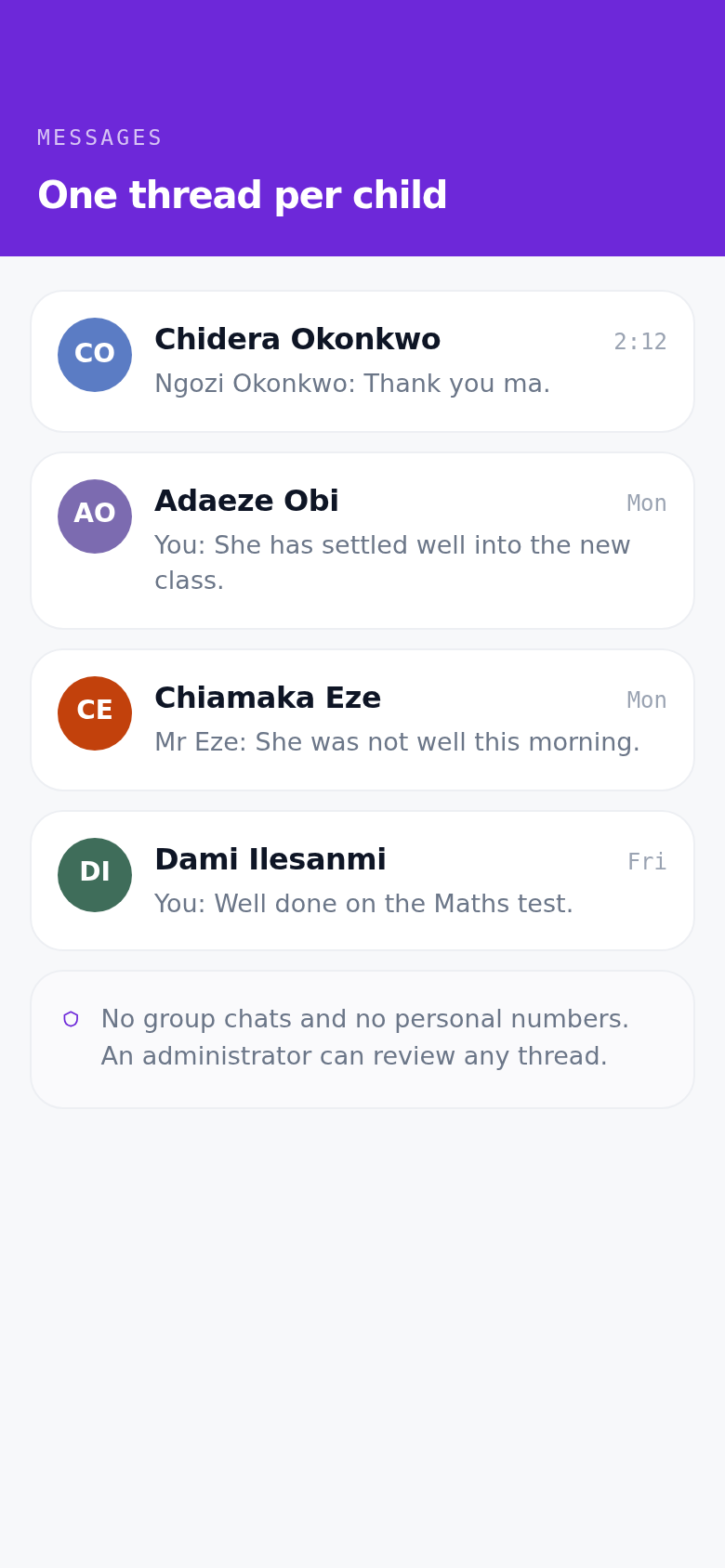
Every message thread is about one child, so there is no group chat to manage and no personal number to hand out. An administrator can review any thread, which protects the teacher as much as the parent.
An announcement from the office reaches four hundred phones instead of four hundred school bags.
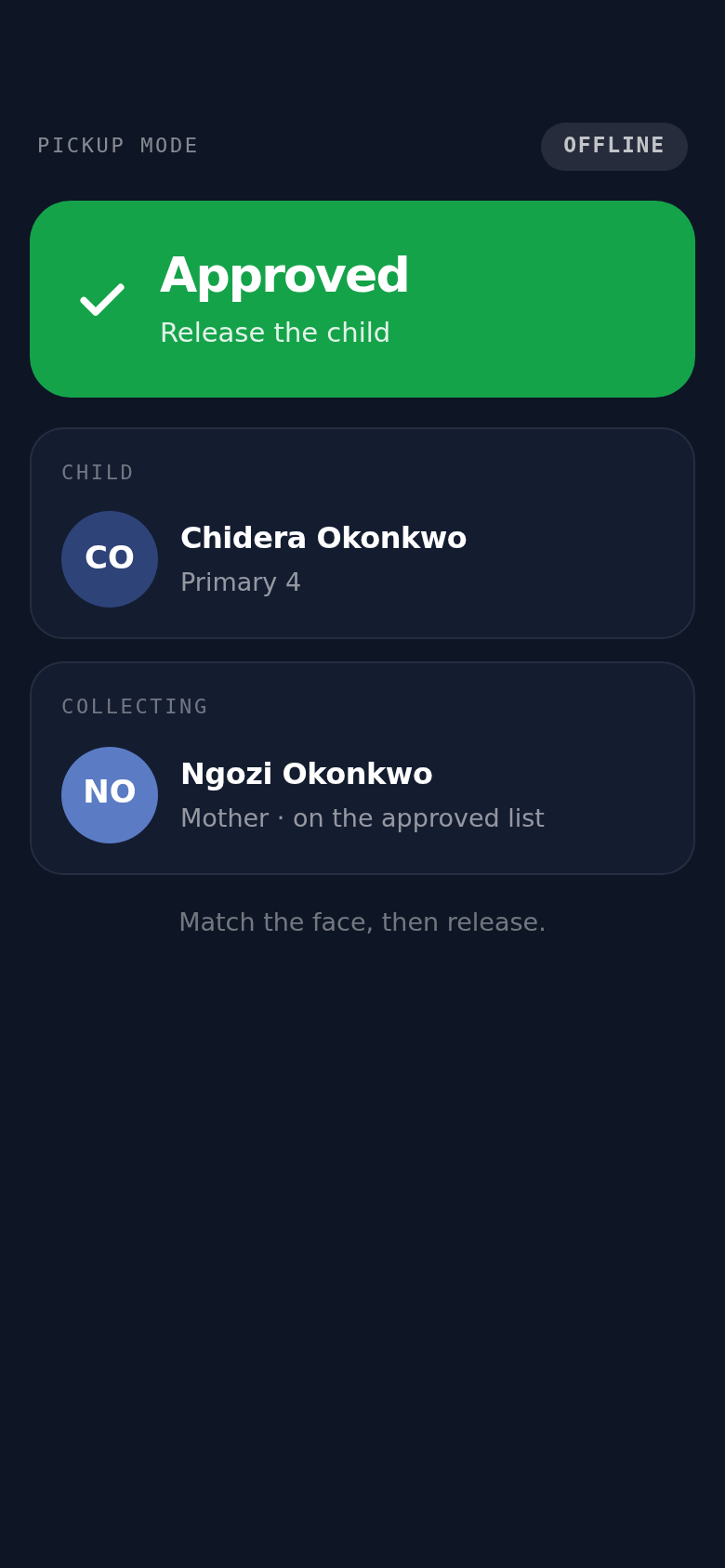
The same code, the other way.
Your guard switches to pickup mode. He sees the child's photo beside the photo of whoever is collecting, and releases the child only if the school approved that person.
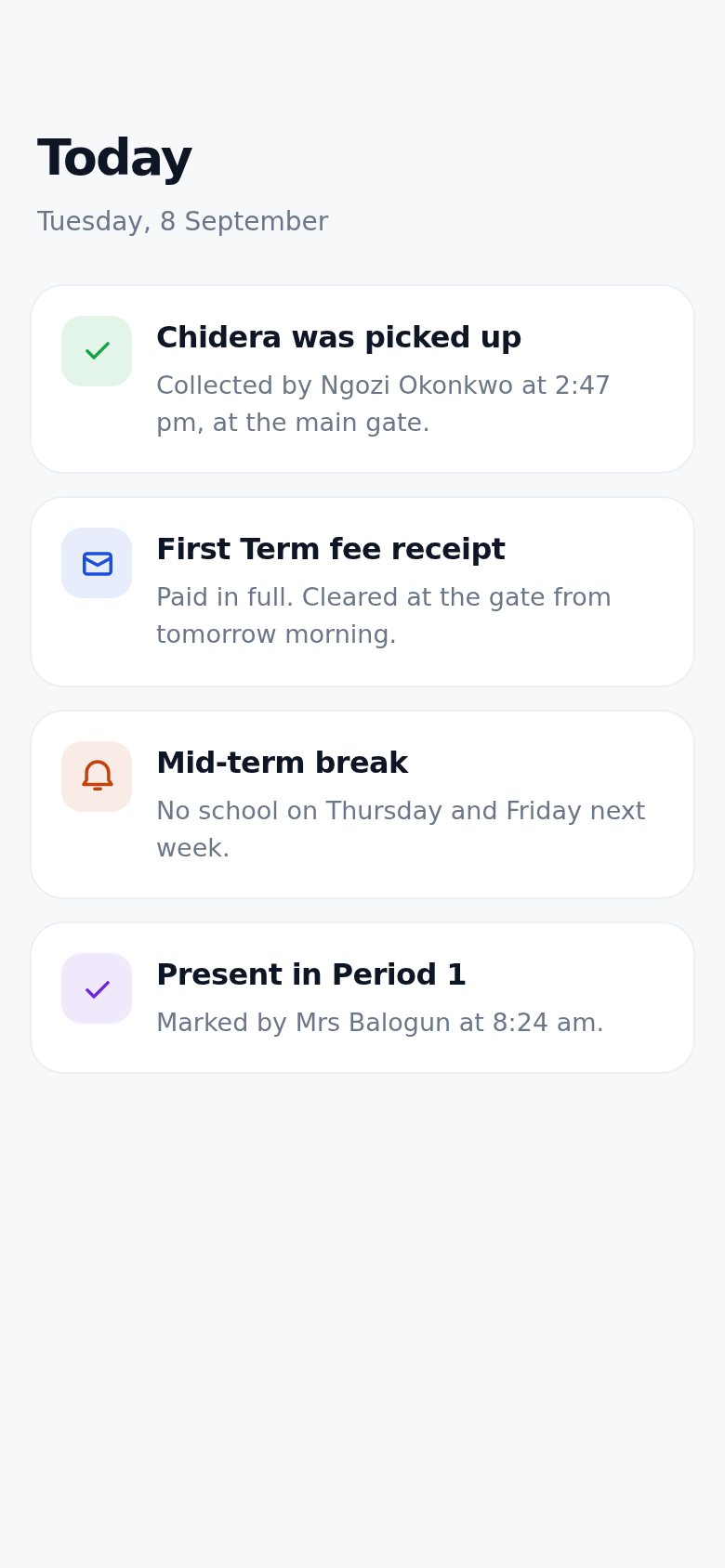
The parent gets a notification saying who collected her child and when. The scan is logged with the guard, the collector and the time, so the school can answer that a week later in front of a parent.
Results, and the report card.
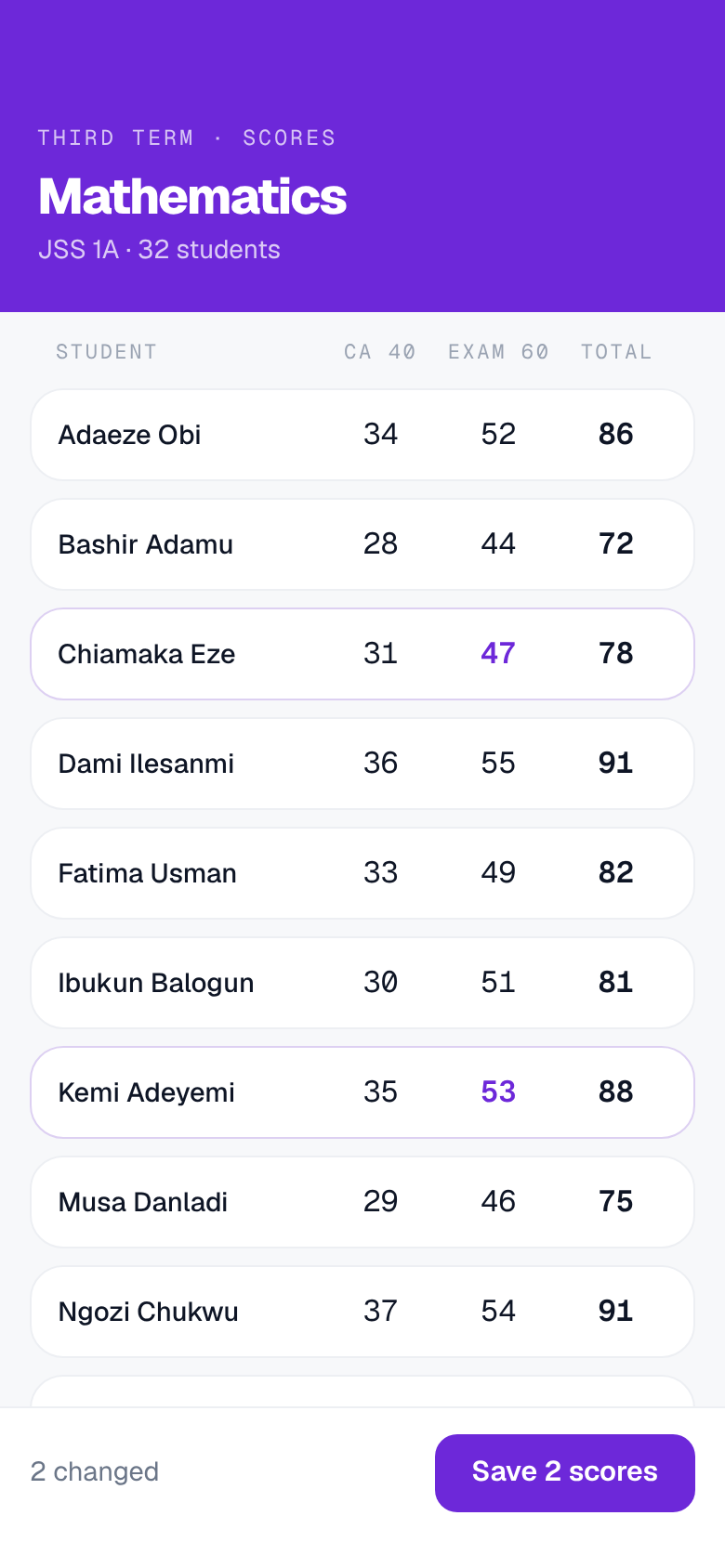
Teachers enter CA and exam marks for the whole class on one screen, side by side, then add the remark and the trait ratings. When a class is complete it goes to the office for review in one action.
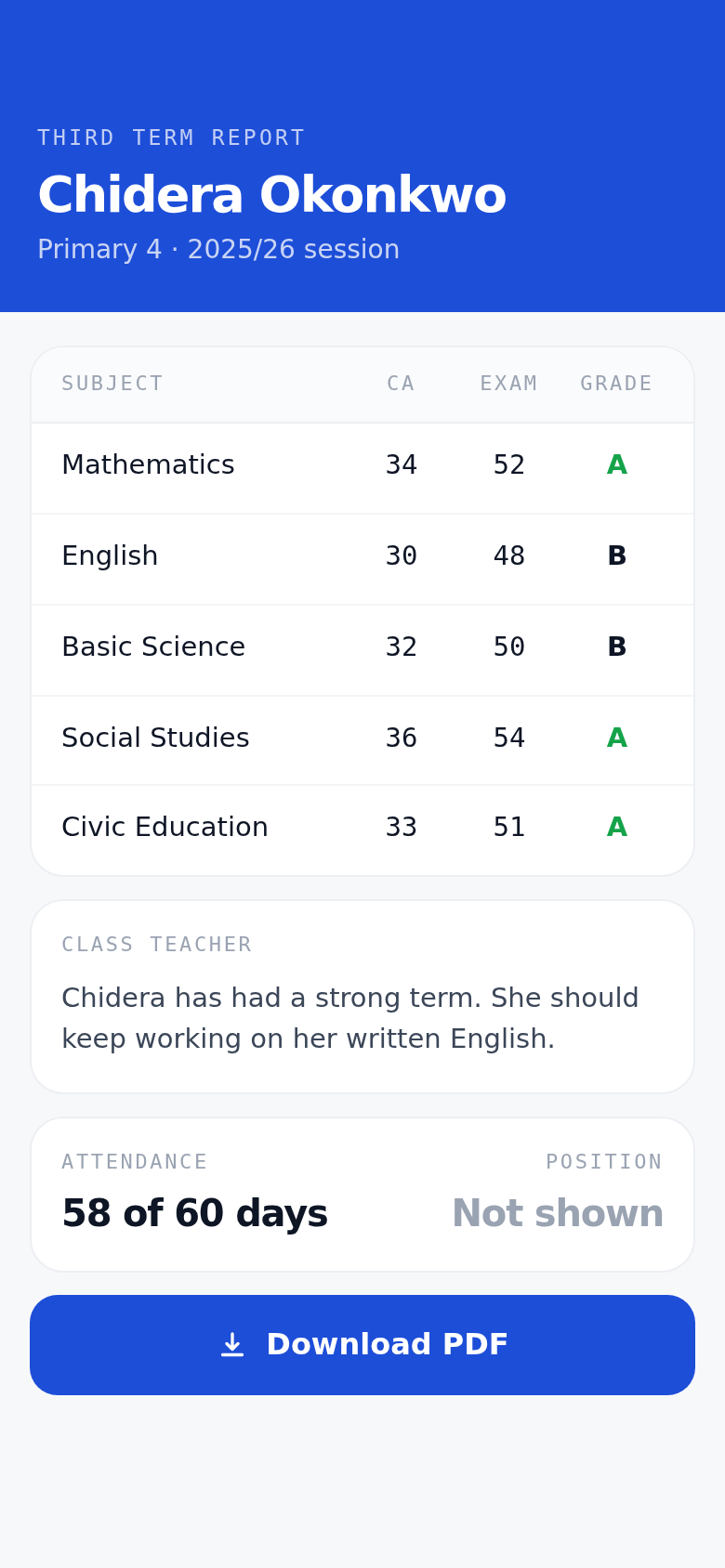
The office reviews it, publishes the class, and the parent opens the finished report on her phone. It is the same record the whole way through.
One school day. Four places to stand.
Each app is the same school, seen from where that person is standing. Pick the one that is yours, or ignore this and book a demo.
Chalka Parent
Fees, results and pickup in one app.
For parents →Chalka Teacher
Attendance, results and homework.
For teachers →Chalka Staff
Fees, records and the gate, run from a phone.
For staff →Chalka web
For everyoneOne address the whole school signs in to, in any browser. Staff, teachers, the office and parents all use the same door.
app.chalka.ng →Answered before you ask them.
What happens when the network is down?
The staff app keeps the day's list on the phone, so scanning works with no network at all. One limit worth knowing: a fee paid this morning may not clear at the gate until the next sync.
Not all our parents have smartphones.
A parent without a phone registers a guardian with a photo, and your guard looks that person up by name at the gate. No app needed for that family, and no separate paper list either.
We already use pickup cards.
Cards get lost, lent and photocopied, and they cannot tell you who collected a child last Tuesday. Every code here is signed and short-lived, so a screenshot is worthless within minutes, and every scan is logged.
Coming off paper, or off a system with no parent app.
Onboarding is done with you, not handed to you as a manual.
- 01
Your school comes across as it is
Students, classes, parents and the fee structure are imported for you, so nobody retypes a register.
- 02
The gate goes first
We set up the scanning phones with your security team and stand at the gate with them for the first morning.
- 03
Parents get invitations
Once you upload your students & parents details, we send the parents instructions to download the app and login. Setting up takes a parent about five minutes.
- 04
Then the rest of the term
Fees, the register and report cards switch on when your team is ready for them.
Bring Chalka to your school
We'll send one of our associates to your school to demo what our systems can do for you, with zero cost or commitement upfront.
Request a demo