Fees, results and pickup in one app.
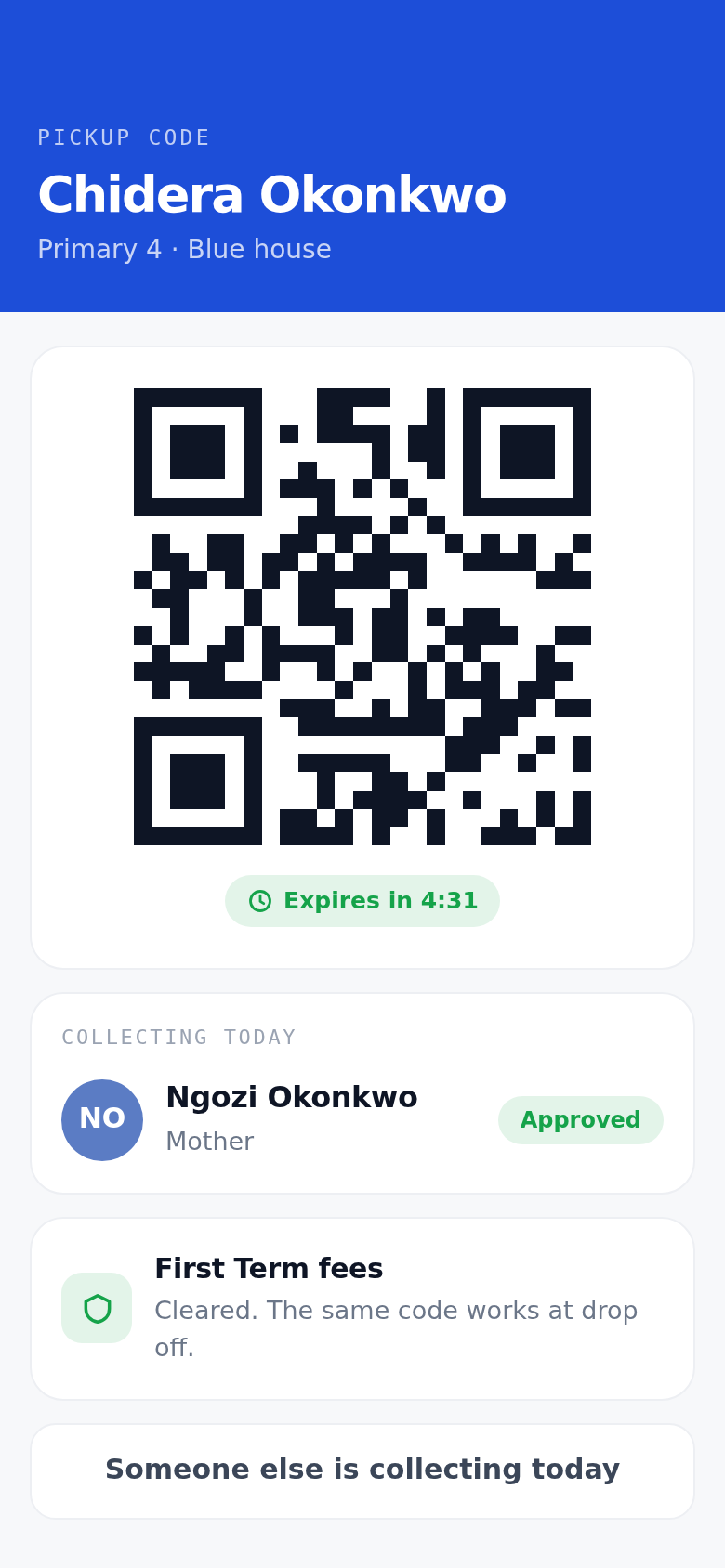
Chalka replaces the paper pickup card. You show a code at the gate, security sees your child's photo and the photo of whoever is collecting them, and your child is only released to someone you have approved. You get a notification when it happens.
Where the parent app meets the rest of the school day.
- 07:10 The gate
- 08:20 Register
- 10:00 The office
- 12:40 Comms
- 14:45 Pickup
- End of term Results
What you can do from your phone.
One code, both directions
Show it at drop off for fee clearance and at pickup for collection. The code rotates and expires, so an old screenshot is worthless within minutes.
You choose who can collect
Add a guardian with a photo, and remove them whenever you want. Your guard checks your list rather than his memory.
School fees, without the queue
Pick your child's items for the term, then pay by card in the app or upload the receipt for a bank transfer. Your balance updates when the school confirms it.
Results and report cards
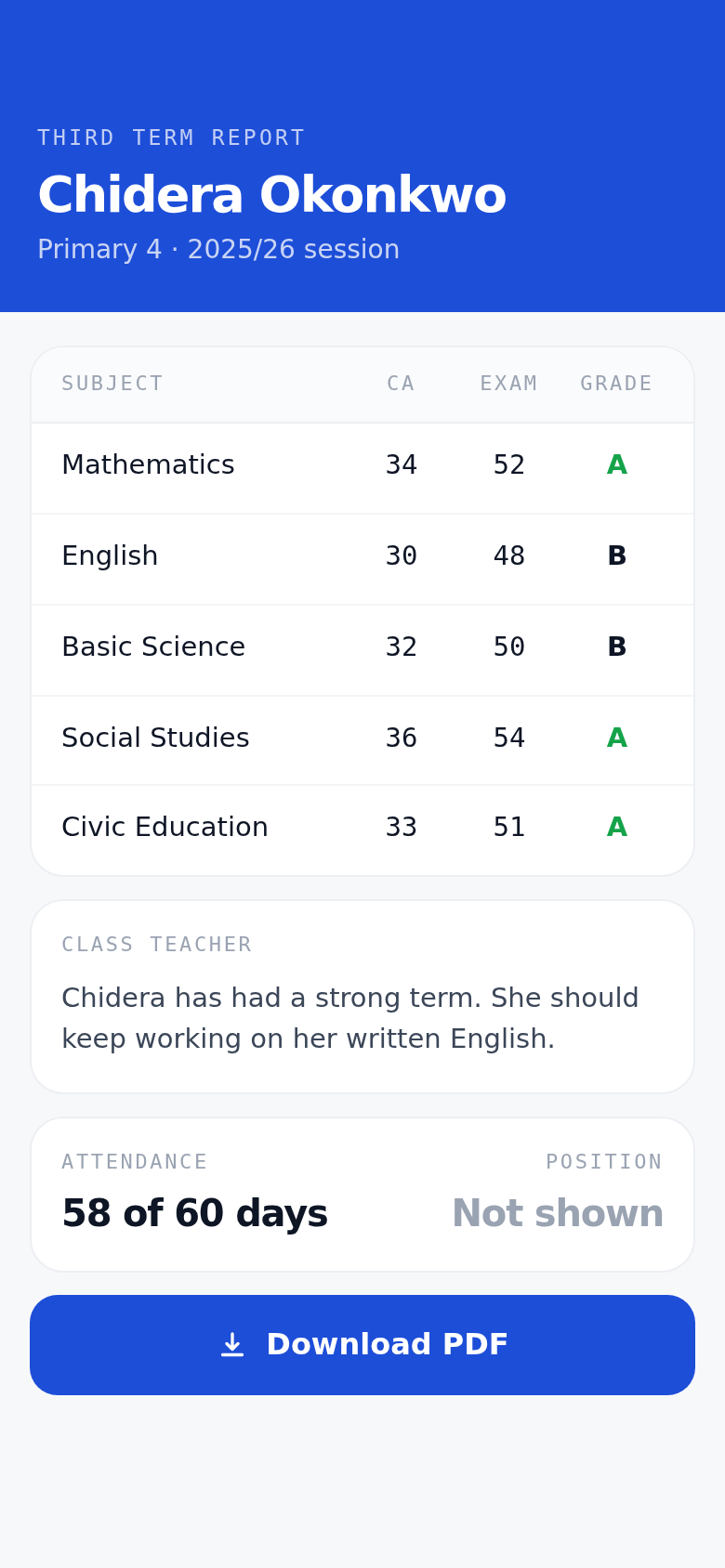
CA and exam scores, the class teacher's remark and the finished report card, as soon as the school releases it.
One thread per child
Message your child's teacher about your child. No group chat to mute, and no personal numbers on either side.
Term dates and notices
Events, days with no school and urgent notices reach your phone instead of the bottom of a school bag.
The same school in a browser.
Chalka web is one address the whole school signs in to. Staff, teachers, the office and parents all use the same door, so a payment or a report card can be opened on a laptop as well as a phone.
app.chalka.ng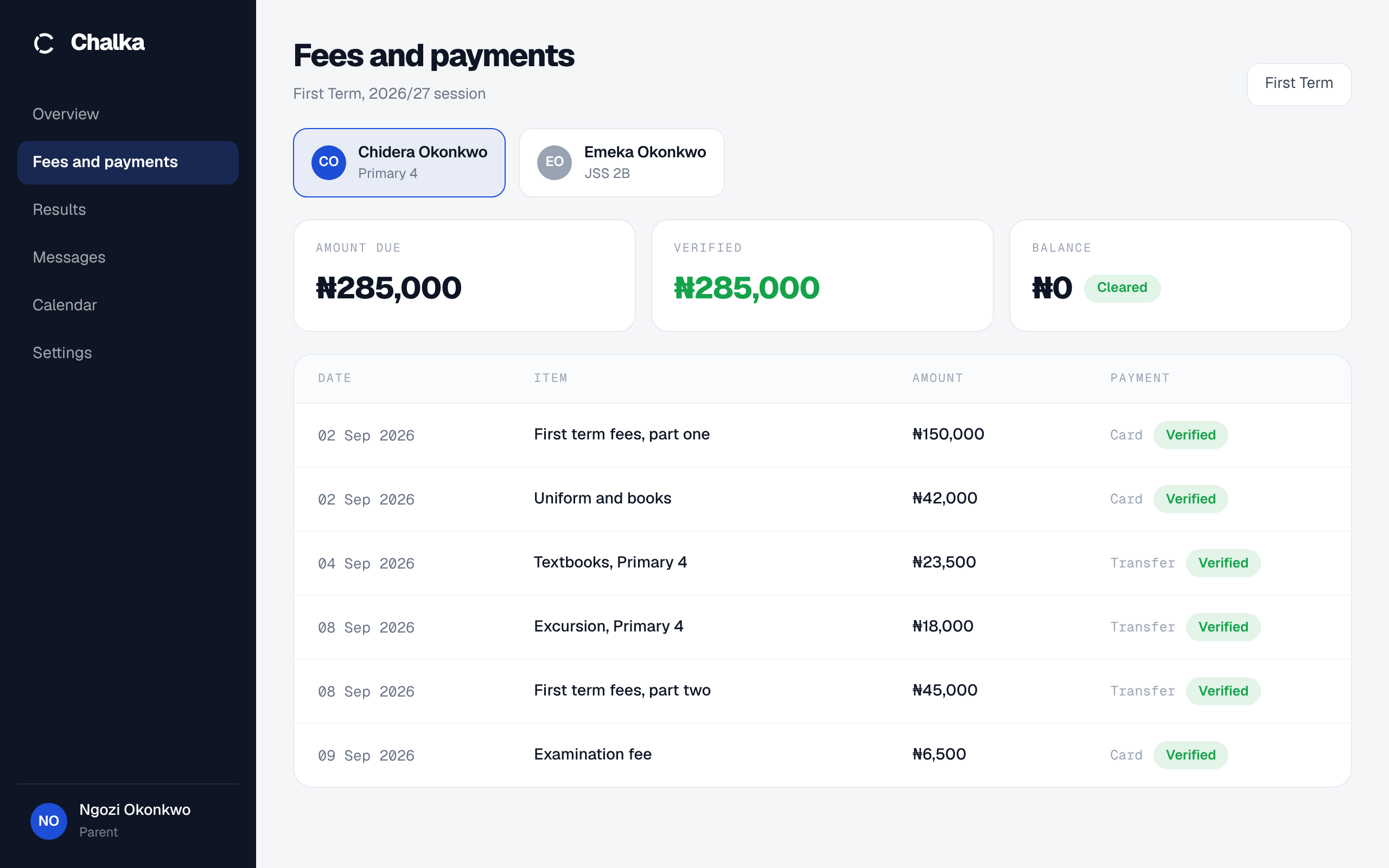
No smartphone in the family?
A guardian registered at the office with a photo is looked up by name at the gate. That family needs no app at all, and no separate paper list either.
Is your child's school on Chalka?
Tell us which school it is and we will reach out to them. Nothing is shared with anyone else, and your name does not have to be mentioned.